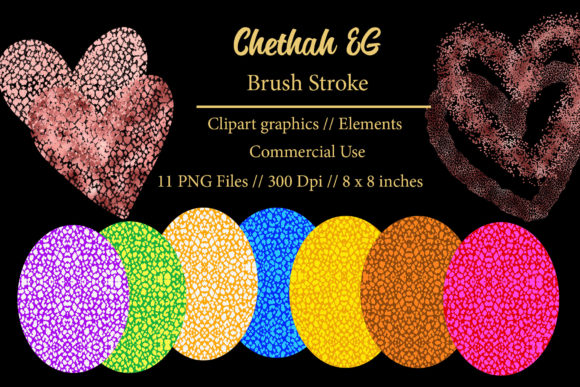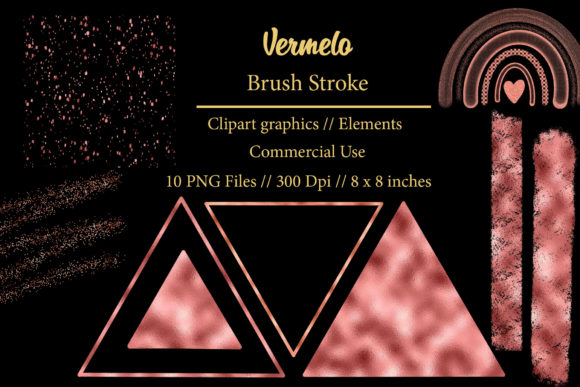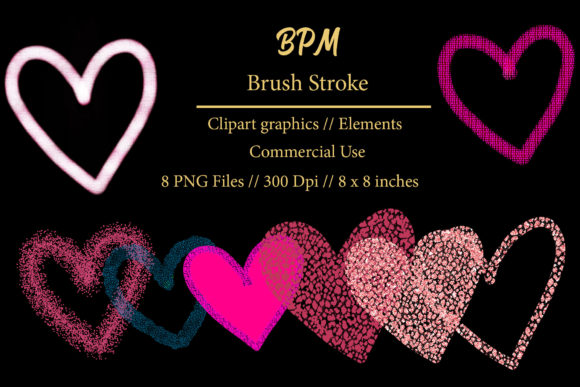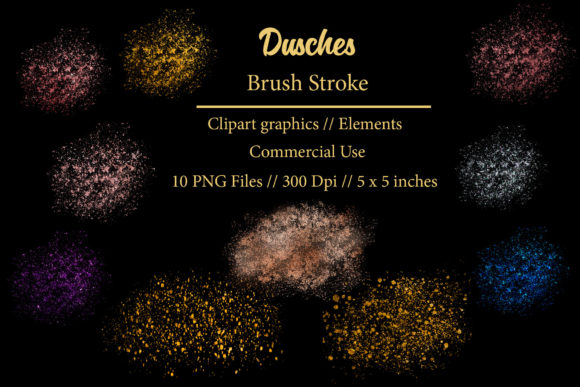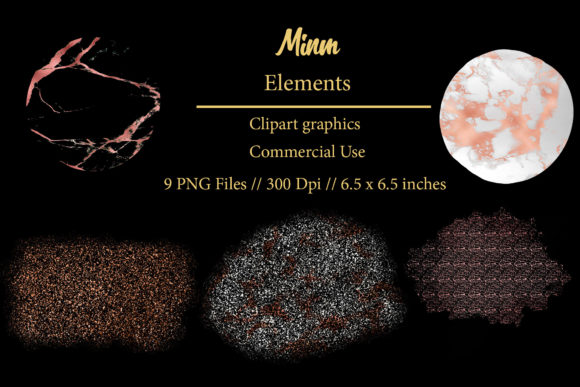
Minm Brush Stroke Clipart: Bold Design Elements
There is a distinct difference between using a standard digital font and incorporating organic, hand-drawn elements into your creative workflow. While typefaces provide structure and readability, brush strokes offer texture, movement, and an immediate sense of human touch. The Minm Brush Stroke Clipart Element collection taps into this demand for authenticity, providing designers and creators with high-quality, versatile assets that bridge the gap between digital precision and artistic imperfection. These are not merely decorative afterthoughts; they are foundational design components that can define the tone of a project before a single word of copy is read.
When you download this package, you are acquiring a set of nine individual transparent PNG elements, compressed in a convenient .ZIP file. Each element is rendered at 300 DPI, ensuring crisp edges whether you are designing for a high-resolution print campaign or a retina-display website. The standard size of 6.5 x 6.5 inches provides ample flexibility for scaling up or down without losing fidelity. This technical specification is crucial for professionals who need to maintain quality across various mediums, from small business cards to large-format sublimation prints on fabric.
The Aesthetic Appeal of Organic Texture
In an era dominated by clean, flat modern typography and minimalist sans serif font choices, there is a growing counter-movement toward warmth and tactile realism. The Minm collection embodies this shift. These brush strokes carry the visual weight of traditional ink on paper, featuring natural variations in opacity and edge roughness that mimic the behavior of real bristles. This aesthetic is particularly valuable when trying to soften the rigid lines of corporate brand identity or add a layer of sophistication to editorial design.
Unlike vector shapes that can often feel sterile or overly perfect, these raster-based images retain the subtle nuances of hand-painted art. This makes them ideal for projects where the goal is to evoke emotion or creativity. For instance, in packaging design, a simple brush stroke behind a product name can suggest artisanal quality or handmade care, influencing consumer perception significantly. It transforms a generic label into something that feels curated and personal. The versatility of these elements allows them to function as backgrounds, accents, frames, or dynamic underlines, adapting to the specific personality of the brand they represent.
Practical Applications Across Industries
The utility of the Minm Brush Stroke Clipart Element extends far beyond simple decoration. For entrepreneurs and small business owners, these assets are powerful tools for creating cohesive marketing materials without the need for expensive custom illustration commissions. Consider the following practical applications where these elements shine:
- Stickers and Planner Goodies: The transparent background makes it effortless to layer these strokes over colorful patterns or photos in digital planners. They add a pop of artistic flair to functional items like habit trackers or journal headers.
- Invitations and Stationery: Wedding invitations, birthday cards, and save-the-dates benefit immensely from the organic feel of brush strokes. They can frame text elegantly or serve as a subtle watermark, adding depth to otherwise flat paper designs.
- Sublimation and Apparel: Because the files are high-resolution PNGs, they are perfect for sublimation printing on mugs, T-shirts, and tote bags. The ink blends seamlessly with fabric textures, creating a professional finish that looks like it was painted directly onto the material.
- Social Media Graphics: In the fast-paced world of Instagram and Pinterest, standing out is essential. Using these strokes as backdrops for quotes or product highlights can increase engagement by breaking the monotony of grid layouts. They act as visual anchors that draw the eye to key information.
- Logo Design and Branding: While not a replacement for a full logo system, these elements can serve as iconic symbols within a broader logo design. They work exceptionally well for brands in the beauty, wellness, arts, and culinary sectors, where a human touch is a selling point.
For web designers, these elements can be used sparingly to add character to landing pages. A brush stroke behind a call-to-action button or as a divider between sections can guide user attention without overwhelming the interface. It is a subtle way to inject personality into web design while maintaining usability and load speed, provided the images are optimized correctly.
Enhancing Visual Hierarchy and Brand Perception
One of the most overlooked aspects of using graphic elements like brush strokes is their impact on visual hierarchy. In advertising and blog graphics, guiding the viewer’s eye is critical. A well-placed brush stroke can underline a headline, circle a special offer, or point towards a sign-up form. This directional cue helps users process information faster and improves the overall user experience.
Furthermore, consistency in using these elements contributes to strong brand recognition. If a company consistently uses the same style of brush stroke across its social media graphics, email newsletters, and physical products, it creates a visual language that customers begin to associate with the brand. This consistency builds trust and professionalism. It signals that attention to detail is a priority, which can elevate the perceived value of the products or services offered.
However, it is important to use these elements with restraint. Overusing decorative assets can clutter a design and detract from the core message. The key is balance. Pairing the organic nature of the Minm strokes with clean, structured typeface choices creates a harmonious contrast. For example, combining a rough brush stroke with a sleek serif font or a minimal handwritten font can create a sophisticated look that appeals to a mature audience. This juxtaposition of raw and refined is a hallmark of contemporary creative font usage and modern graphic design trends.
Technical Considerations and Best Practices
To get the most out of your purchase, it is essential to understand the technical nature of the files. Since these are PNGs with transparent backgrounds, they are ready to use in most design software, including Adobe Photoshop, Illustrator, Canva, Procreate, and Affinity Designer. However, because they are raster images, scaling them up significantly beyond their original 6.5 x 6.5 inch dimensions may result in pixelation. Always check the resolution requirements of your final output. For large format printing, ensure you are not stretching the image beyond its optimal limits.
When integrating these elements into your workflow, consider the color palette of your project. While black and white versions are versatile, you can easily recolor these PNGs in many editing programs to match your brand colors. This flexibility allows you to maintain a cohesive look across different campaigns. Additionally, always remember that you are purchasing a digital product. This means there is no physical shipment; you will need to extract the .ZIP file after downloading to access the nine individual elements.
For those new to using such assets, start by experimenting with layer modes. Setting a brush stroke layer to "Multiply" or "Overlay" can create interesting interactions with background colors and textures, making the element feel more integrated into the design rather than just sitting on top. This technique is particularly effective in DIY projects and scrapbooking, where depth and layering are key to achieving a professional look.
Ultimately, the Minm Brush Stroke Clipart Element collection is a practical addition to any designer’s toolkit. It offers a quick and effective way to add artistic flair to a wide range of projects, from commercial branding to personal crafts. By understanding how to leverage these organic shapes, you can enhance your visual storytelling, improve audience engagement, and create designs that resonate on a deeper, more human level. Whether you are a seasoned graphic designer or a hobbyist looking to elevate your DIY creations, these elements provide the perfect blend of convenience and creative potential.